Skip to content

Running Qwen3-Next-80B Locally: October 2025 Case Study

Published:
Running Qwen3-Next-80B Locally: October 2025 Case Study

Just last month, Alibaba’s Qwen team released something remarkable that has gone mostly unnoticed: Qwen3-Next-80B, an 80 billion parameter model that runs as fast as a 3 billion parameter one.

This isn’t just another upgrade. It’s a paradigm shift and glimpse into the future of local AI. It’s also a perfect showcase of the current local inferencing ecosystem.

The Model That Changes the Game

The magic is in its ultra-sparse Mixture of Experts (MoE) architecture. Think of it like a massive library with 80 billion books (total parameters), but your librarian only pulls the 3 billion most relevant ones for your query (active parameters). You get the knowledge of the entire library at the speed of a small, curated collection. Interestingly, this is also similar to how actual brains work, where the prefrontal cortex directs attention to the correct brain region.

This architecture results in knowledgeable models with fast inference. According to real-world benchmarks, on a high-end Mac Studio M3 Ultra with 8-bit quantization, this translates to 50 tokens per second—fast enough for a real-time conversation with a world-class AI.

Sounds too good to be true? Unfortunately, there are a few catches, at least for now. Qwen3-Next uses a novel hybrid attention architecture combining Gated DeltaNet and Gated Attention—tricky new architectural features that most existing tools weren’t built for. The struggle to run it on affordable hardware reveals everything about the three main paths for local AI in 2025.


Path 1: The Apple Fast Lane

Qwen3-Next released on September 11. Full support in the popular LM Studio app? September 16. Just five days later. On a Mac, it just works. You download the model from LM Studio’s catalog, and it runs. Why is that?: Apple controls the entire stack. Their MLX framework is a specialized engine built to get the most out of their own silicon. When a new model like Qwen3-Next appears, developers can write support for it directly in MLX, bypassing the community bottlenecks that affect other platforms.

While Apple is sleepy on their product side at integrating AI, the MLX is on top of the game.

The performance is great, on this blog post there are claims for 14 tokens/sec on a Mac Mini M4 Pro with 64GB and a whopping 50 tokens/sec on a Mac Studio M3 Ultra. But this seamless experience comes at a premium. A Mac Studio equipped to run this model comfortably (128GB unified memory) starts around $7,200. You’re paying for a vertically integrated ecosystem where the hardware and software are perfectly in sync.

Path 2: The Professional Choice with NVIDIA

Support for Qwen3-Next? Day one. If you have the right hardware, running the model is as simple as a single command line or a few lines of Python. The professional AI world is built on NVIDIA and its mature software ecosystem. Frameworks like vLLM, Transformers, and SGLang are designed for production servers and work directly with a model’s native PyTorch code. There’s no need for conversion or waiting for updates. If the model’s creators release it, these tools can run it instantly.

The full, unquantized 80B model is massive and impractical for most users. Instead, the standard approach is quantization — compressing the model to use less memory with minimal quality loss.

According to deployment guides, common quantization formats include:

  • FP8: ~40GB of VRAM needed

  • INT8: ~42GB of VRAM needed

  • INT4/AWQ: ~22GB of VRAM needed

Even with aggressive quantization, you’re looking at 22-40GB+ of VRAM. A single NVIDIA A100 80GB costs $10,000-15,000, so out of range for most. Consumer cards like the RTX 4090 (24GB) can’t fit even the most aggressive quantizations of an 80B model.

The Trade-Off: NVIDIA offers the most mature, powerful, and instantly-compatible software. But for the newest, largest models, it’s realistically a cloud or enterprise solution, not a local one for most consumers. Unless you have access to datacenter GPUs, you’re limited to smaller models or cloud inference. The just released Spark DGX could change that, but general availability is unclear.


Path 3: The Open Path with AMD

This is my path, and it’s the one most people are on.

The hardware is ready. My AMD Ryzen AI Max+ 395 is a beast, offering 128GB of unified LPDDR5X-7500 memory. For inference, fast memory is the limiting factor. Strix Halo matches Apple’s M4 Pro line and the DGX Spark, if it will ever be available. It’s a much more affordable system, e.g. with the Framework Desktop.

But it can’t run next generation models like Qwen3-Next-80B, at least for now. Llama.cpp is a brilliant open source community project. It’s the workhorse of local AI on AMD, making models accessible to everyone.

However, its universality is also its bottleneck. To support a radically new model like Qwen3-Next, a volunteer developer has to painstakingly implement the new architecture inside llama.cpp. As of October 2025, the pull request for Qwen3-Next is still a work in progress, with developers debugging complex issues like partial RoPE implementation. Whatever that is. Llama.cpp also powers the popular Ollama, so it has the same problems right now. The hardware is more than capable, but we’re all waiting for the community software to catch up.

Are there alternatives? Yes, there are actually two right now.

AMD users can use vLLM like NVIDIA users do. But despite ROCm 6.4.1 and 7.0 supporting the Ryzen AI Max+ 395 chipset (gfx1151), vLLM compatibility remains problematic. Users encounter “invalid device function” errors during model initialization, and official support for gfx1151 is still an open feature request.

With SGLang it’s the same story. It’s a framework that comes from the bigger cloud center hardware and is slow at adopting consumer hardware like the AMD AI Max+. There’s a PR open, but little activity.

What This All Means

This one model neatly illustrates the trade-offs in local AI today:

  1. Apple & NVIDIA: The “it just works” experience. It’s fast and polished, but you pay a premium for admission to the walled garden. You might go faster now, but beware of locking yourself in.

  2. AMD & Llama.cpp: The universal path. It brings AI to the most hardware at the best value, but for brand-new, architecturally complex models, there can be a delay as the open-source ecosystem catches up.

The good news is that the community path is rapidly improving:

In LLama.cpp there’s a lot of activity. I find it hard to follow all the details, even as a hardware enthusiast. Ollama’s new inference engine with direct GGML access shows they’re building toward faster support for novel architectures, though the transition is ongoing.

Ultra-efficient MoE models like Qwen3-Next prove that frontier-level intelligence can run on our local machines. The infrastructure is racing to keep up, and this competition means a better future for everyone, no matter which path you’re on.

The Viscosity of Your Software Stack And Why it Matters for Working With Agents

Published:
The Viscosity of Your Software Stack And Why it Matters for Working With Agents

I love how new terms are being coined at the moment. Simon Willison’s post about getting from Vibe coding to Vibe engineering is a perfect example. Unfortunately, it’s missing one key property of codebases: The differing viscosities of your files and often lines.

The blog post is a superb summary of things to look out for efficiently coding with agents. I found myself nodding at every bullet point. As an engineering leader who pitched a lot of these for implementation, it often feels like we can ultimately prove now that good software engineering practices have a business impact, instead of being misunderstood as a goodie for the engineers…

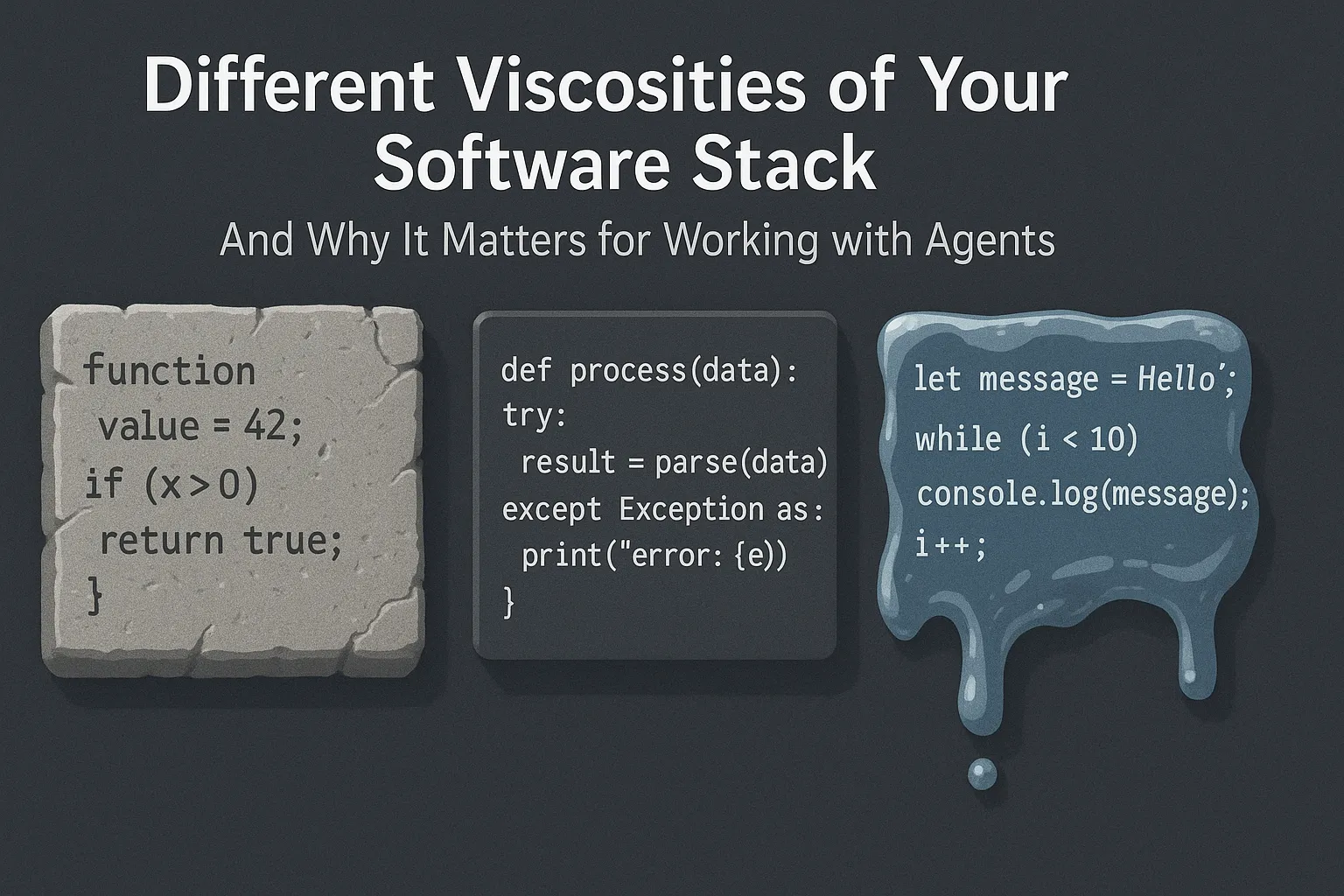
One aspect was lacking, and in the spirit of coining terms, I’d like to name it viscosity of software. Every codebase has fast, easy-to-change parts and almost impossible-to-change parts. If you draft to change them, you’ll spend the whole week convincing other engineers. These crucial files or lines have many implications to the whole project. It’s often unclear which lines are written in stone and which are written in sand.

Another way to frame this is tribal knowledge: Engineers accustomed to this codebase know these corners from their own experience or because of the stories around it. So far, I didn’t find a way to onboard my agents with this knowledge. Every agent comes in like a new developer, not knowing anything about the code. It’s amazing how fast they navigate the codebase. The AGENTS.md and code comments help a bit, but it’s a main frustration point when relying more on agents. They’re unaware of this tribal knowledge and I don’t know how to teach them.

How do we teach a machine to be afraid of the right lines of code? I’d love to hear your thoughts.

Custom Slash Commands, Part 2: From Convenience to 100% Repeatability

Published:

Custom Slash Commands, Part 2: From Convenience to 100% Repeatability

A few weeks ago, I showed you custom slash commands for storing prompts you need repeatedly. But I ran into a problem: sometimes Claude followed my instructions perfectly, sometimes not. I found the fix.

My first attempts were useful, but inconsistent. Sometimes the agent followed the orders exactly, sometimes it improvised. Still, it improved the structure and findability of these saved prompts, as before my codebases were cluttered with small READMEs.

The Breakthrough: Scripts + Prompts = 100% Repeatability

Custom slash commands aren’t just for storing prompts in a markdown file. You can also put scripts in the same folder and instruct the coding agent to use that script. This was my breakthrough on repeatability.

Consider this cleanup script. Here’s what happens when I run it:

  • The prompt explains what the script will do and asks for my confirmation.
  • I type yes
  • Claude executes the script and monitors its output, warning me about unexpected behavior.

This saves a lot of time, every day. It’s the best UI to run scripts I need regularly. I can verify I selected the right script before execution because I often selected the wrong one in a hurry. And I get automatic monitoring that catches problems.

The Bigger Vision: Slash Commands as Installers

Here’s how I’ll handle the installer routine for TreeOS. Instead of asking people to read a README and follow five to seven steps, they’ll run a custom slash command. I’d love to see this pattern in many tools.

Example: A few days ago I found Mergiraf, a clever tool that makes git conflicts less scary. Hosted on Codeberg 🇪🇺! The installation guide is concise, but you need to map it to your platform. And then you still need to configure it as a git merge driver.

How cool would it be if they shipped a custom slash command that detects your system, recommends the best installation method, and walks you through configuration? And they could also include a script to remove the tool, if it doesn’t work for me. This would dramatically reduce the cognitive overhead of trying a new tool like Mergiraf.

With the explosion of tools we’re seeing right now, lengthy setup routines are a real barrier. Slash commands with embedded scripts could change that.

My SSH Setup: A Scalable Multi-Machine Configuration

Published:

The “Too many authentication failures” error is a common SSH problem that signals a misconfigured setup. After setting up multiple home servers recently, I’ve developed a clean solution that eliminates this issue entirely.

The Core Principle: Unique Keys Per Machine

The fundamental rule: every machine gets its own SSH key pair. Using a single key across multiple machines creates unnecessary security risks. If one machine is compromised, you must revoke that key across all services—GitHub, GitLab, every server. With unique keys, you revoke only the compromised machine’s key while maintaining access from other devices.

Key Generation and Management

I use 1Password for secure passphrase management, though any password manager works. The process for each new machine:

First, create a passphrase in 1Password named clearly, such as “SSH Passphrase - Mac Mini M4”. This protects the key if the disk is accessed.

Generate the key with a descriptive filename:

ssh-keygen -t ed25519 -f ~/.ssh/id_ed25519_macmini -C "stefan@macmini"

The -f flag specifies the filename, avoiding generic names like id_rsa. When prompted, paste the passphrase from 1Password (characters won’t display during paste—this is normal).

For disaster recovery, backup the private key in 1Password. Run cat ~/.ssh/id_ed25519_macmini, copy the entire output including BEGIN/END lines, and store it as an SSH Key item in 1Password. The key remains encrypted with your passphrase.

Repeat this process for each machine: id_ed25519_mac for Mac, id_ed25519_linux for Linux desktop, and so on.

SSH Config: The Solution to Authentication Failures

The “too many authentication failures” error occurs when SSH attempts every available key. Servers interpret this as a brute-force attempt and block the connection.

The solution is explicit key mapping in ~/.ssh/config. On my Mac:

Host github.com
  HostName github.com
  User git
  IdentityFile ~/.ssh/id_ed25519_mac
  IdentitiesOnly yes

Host homeserver
  HostName 192.168.1.100
  User stefan
  IdentityFile ~/.ssh/id_ed25519_mac
  IdentitiesOnly yes

The critical directive is IdentitiesOnly yes, which instructs SSH to use only the specified key, preventing authentication failures.

On my Linux desktop, the configuration uses the Linux-specific key:

Host github.com
  HostName github.com
  User git
  IdentityFile ~/.ssh/id_ed25519_linux
  IdentitiesOnly yes

Host homeserver
  HostName 192.168.1.100
  User stefan
  IdentityFile ~/.ssh/id_ed25519_linux
  IdentitiesOnly yes

Now ssh homeserver connects immediately from any configured machine.

Automated Server Provisioning

Modern Linux installers offer an elegant solution for initial SSH setup. During Ubuntu Server installation, select “Import SSH identity from GitHub” and enter your GitHub username.

The installer fetches all public keys from github.com/yourusername.keys and adds them to ~/.ssh/authorized_keys. Your server is immediately accessible from all your machines upon first boot—no manual key distribution required.

The Current Relevance

With AMD’s efficient processors and widespread fiber internet, home servers have become practical again. The infrastructure improvements—symmetric high-speed connections and power-efficient hardware—make self-hosting viable.

This SSH setup scales elegantly. New machines simply need their key generated and added to GitHub. New servers import from GitHub during installation. If a machine is compromised, revoke one key without affecting other access.

The configuration takes minutes to implement but saves hours of troubleshooting. Each server provisioning requires only entering a GitHub username. The local config files handle all connection details automatically.

This approach provides security through key isolation, convenience through automated provisioning, and reliability through explicit configuration. It’s a professional setup that works consistently across any number of machines and servers.

AllowedTools vs YOLO mode: Secure But Powerful Agentic Engineering

Published:

AllowedTools vs YOLO mode: Secure But Powerful Agentic Engineering

Recently, I’ve defaulted to using my coding agents in YOLO mode. I found a better way to balance security and ease of use.

Once you get the hang of agentic coding, it can feel like babysitting. Can I read this file? Can I search these directories? Everything has to be allowed individually by default. The easiest fix is to switch to YOLO mode. Instead of starting claude in the terminal, start claude —dangerously-skip-permissions. This allows your agent to do everything: read all the files, delete all the files, commit to every repository on your hard disk. Even connecting to production servers and databases using your SSH keys. YOLO mode is the right name, real accidents happened.

But YOLO mode has limitations too. I started to install Claude on my managed servers. It’s helpful for boring server administration tasks. Unfortunately, Claude doesn’t work in YOLO mode when you’re the root user, which is typical for cloud machines. I’m not sure if I agree with Anthropic’s limitation, since this can be less dangerous than running Claude on my private machine with all my private data in YOLO mode.

Fortunately, better options are emerging. One I like is allowed tools. This gives the agent fine-grained controls on what he can do on his own and what not. Together with the slash commands, I wrote about last week, this is a powerful combination. Similar to the dotfiles that many developers use for a familiar environment on new machines, I can imagine checking out a claude-tools repository with custom slash commands for repeating tasks. And also including allowedTools for uninterrupted execution.

Disclaimer: I haven’t built this yet. Hopefully, I’ll have a demo for you in the next weeks!